
TL;DR
- Project management tools give teams a shared view of tasks, ownership, progress, and timelines
- The real problem they solve is visibility, not productivity
- Using one reduces scattered chats, unclear deadlines, and constant status meetings
- Different tools fit different teams, from simple boards to complex workflows
- The right choice depends on how your team works, not feature checklists
- Teams tired of juggling multiple tools often prefer an all-in-one setup like WhitePanther
If work today feels louder than it used to, you are not imagining it. More tools. More tabs. More messages. More things asking for your attention at the same time.
That is exactly why project management tools have gone from “nice to have” to “how did we ever work without this?”
But here is the problem. The moment you search for project management software, you are hit with dozens of options that all claim to do everything. They do not. They all solve different problems for different kinds of teams.
So let’s slow this down and make it human.
This guide walks you through what project management tools really are, why teams actually use them, what changes when you do not have one, and then a grounded list of the 10 best project management tools you should seriously consider in 2026.
Table of Contents
What Are Project Management Tools, Really?
At its core, a project management tool is a shared workspace where work lives. Not just tasks. Actual work.
It helps you:
- See what needs to be done
- Know who is responsible
- Track progress without chasing people
- Keep conversations connected to the work
- Understand timelines without guessing
Think of it as a single source of truth for a project. When someone asks “Where are we on this?” the answer should already be there.
Modern project management tools go beyond simple task lists. They include timelines, files, comments, notifications, automations, and in many cases, integrations with the tools you already use every day.
Why Use a Project Management Tool?
Let’s be blunt here. Most teams think they are bad at project management. They are not. They are bad at visibility. Here is what a good project management tool actually fixes:
Clarity replaces confusion
Everyone knows what they are working on and why. No guessing. No duplicated effort.
Work stops living in chats
Decisions, updates, and feedback stay connected to tasks instead of getting buried in messages.
Deadlines become realistic
You can see workloads, dependencies, and timelines instead of relying on gut feeling.
Accountability feels natural
Not aggressive. Not micromanaged. Just clear ownership.
Scaling becomes possible
You cannot run a 10 person team the same way you run a 3 person team. Tools make growth survivable.
With vs Without a Project Management Tool
| Without a project management tool | With a project management tool |
| Tasks live in chats, emails, and memory | Tasks live in one shared workspace |
| Status updates require meetings | Progress is visible anytime |
| Deadlines are often missed or rushed | Timelines are planned and tracked |
| Files are scattered across tools | Files stay connected to tasks |
| Accountability feels personal | Ownership is clear and neutral |
| Scaling increases chaos | Scaling increases structure |
If this table feels uncomfortably familiar, you already know why you are here.
The 10 Best Project Management Tools in 2026
This list is based on how people actually work in 2026. Remote, hybrid, fast-moving, and overwhelmed by tools. Each tool below shines for a different reason.
| Tool Name | Best For | Pricing |
| WhitePanther | Teams that want projects, communication, files, time tracking, and AI in one place without switching tools | 6-month plan starts at $49 • Lifetime plan available |
| Asana | Teams that need structured workflows, timelines, and clear ownership | Free plan available • Paid plans start around $10.99/user/month |
| ClickUp | Teams that want deep customization and flexible workflows | Free plan available • Paid plans start around $7/user/month |
| Monday.com | Non-technical teams that want visual clarity and fast onboarding | No true free plan • Paid plans start around $9/user/month |
| Trello | Simple projects, small teams, and visual task tracking | Free plan available • Paid plans start around $5/user/month |
| Jira | Software and engineering teams running agile sprints | Free for small teams • Paid plans start around $7.75/user/month |
| Notion | Teams that like building custom systems with docs and databases | Free plan available • Paid plans start around $8/user/month |
| Wrike | Large teams and agencies handling complex projects | Free plan available • Paid plans start around $9.80/user/month |
| Basecamp | Teams that want calmer communication and fewer meetings | Flat pricing around $15/user/month or $299/month unlimited |
| Smartsheet | Operations-heavy teams that prefer spreadsheet-style planning | No free plan • Paid plans start around $9/user/month |
1. WhitePanther
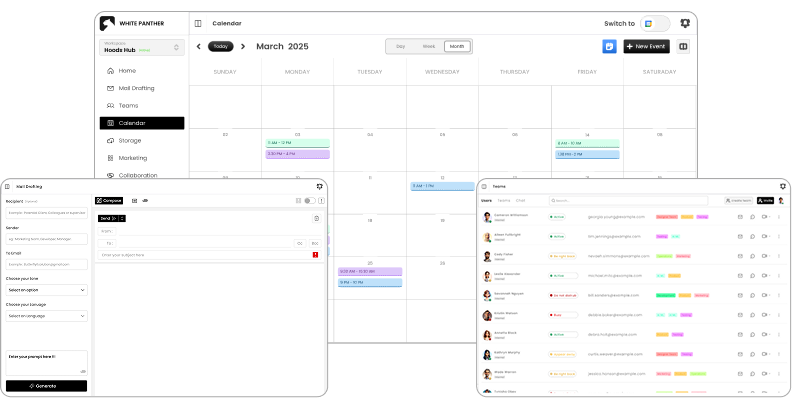
WhitePanther takes a very different approach to project management. Instead of being just another task tool, it brings multiple work essentials into one live dashboard.
The idea is simple. Work should not require constant tab switching.
Projects, communication, files, time tracking, and AI assistance live in the same environment. There are no reloads and no jumping between tools to get context.
WhitePanther does not try to compete feature-by-feature with legacy project tools. It focuses on reducing friction for teams that are tired of stitching together five different apps just to get work done.
Key features
- Unified project and task management
- Built-in communication alongside work
- Integrated file access from cloud storage
- Time tracking connected to tasks
- AI assistance for writing and organization
- No constant switching between tools or tabs
Best for teams that want project management without tool overload.
2. Asana
Asana is one of the most well-known names in project management, and for good reason. It excels at structured work. If your team likes clear workflows, defined steps, and visual timelines, Asana feels dependable. It works especially well for teams managing multiple projects at once with shared dependencies.
Key features
- Task and project tracking
- Timeline and workload views
- Automation rules for repetitive work
- Strong reporting and progress tracking
- Wide integration ecosystem
Best for teams that value structure and predictable workflows.
3. ClickUp
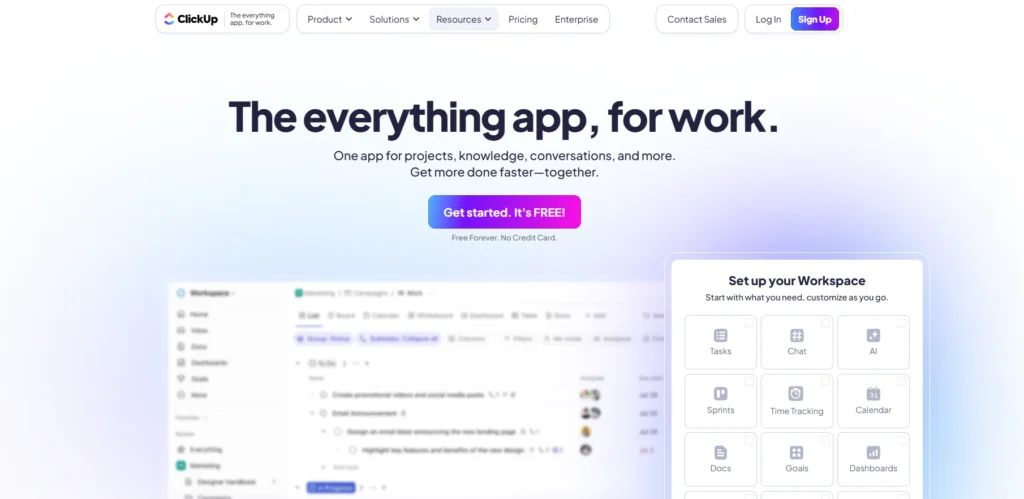
ClickUp tries to be everything at once. For some teams, that is perfect. For others, it is overwhelming. Its biggest strength is flexibility. You can customize almost everything, from views to statuses to workflows.
Key features
- Highly customizable task management
- Multiple views including list, board, and Gantt
- Built-in docs and goals
- Automations and templates
- Time tracking and reporting
Best for teams that enjoy customizing their workflow deeply.
4. Monday.com
Monday.com focuses heavily on visual clarity. Everything is colorful, structured, and easy to scan. It is especially popular with non-technical teams because it feels intuitive right away. You do not need a long onboarding phase to get value.
Key features
- Visual boards and dashboards
- Automation for status updates
- Templates for common workflows
- Collaboration and file sharing
- Integrations with popular tools
Best for teams that want visibility without complexity.
5. Trello
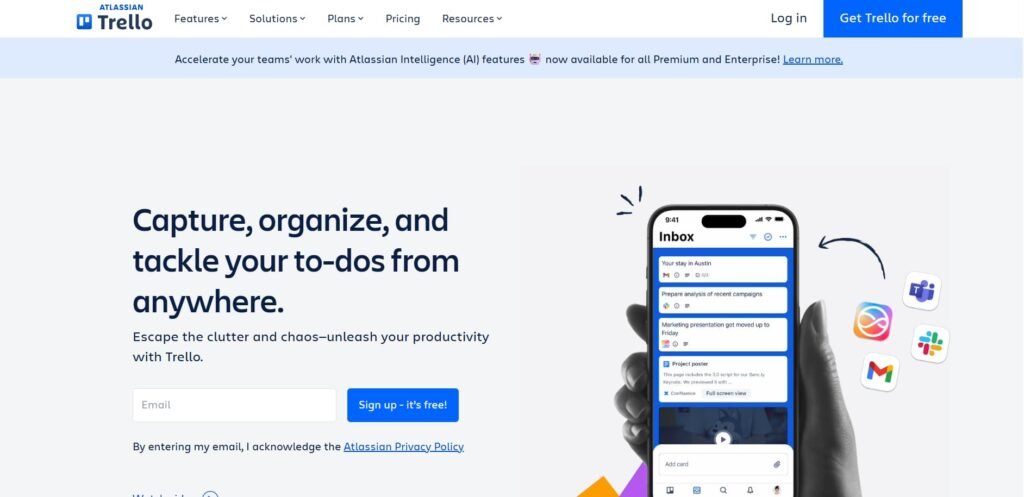
Trello is simple, and that is its superpower. It is built around the Kanban board concept. Cards move from one column to another. That is it. For lightweight projects, personal workflows, or small teams, Trello still works beautifully in 2026.
Key features
- Visual Kanban boards
- Simple task cards with comments and files
- Easy collaboration
- Power-ups for added functionality
- Minimal learning curve
Best for small teams or straightforward projects.
6. Jira
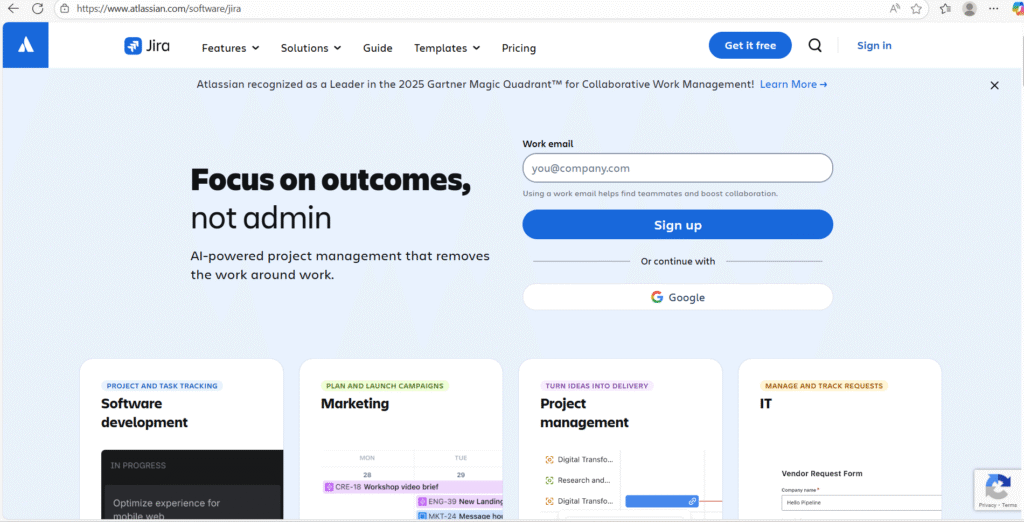
Jira is built for software teams. Full stop. It is powerful, detailed, and sometimes intimidating. But if you are running agile sprints, managing bugs, and tracking development cycles, Jira still dominates.
Key features
- Agile boards and sprint planning
- Issue and bug tracking
- Advanced reporting
- Custom workflows
- Deep integration with development tools
Best for engineering and product teams.
7. Notion
Notion is not a traditional project management tool, but many teams use it as one. Its strength lies in flexibility. You can build your own system using pages, databases, and templates.
Key features
- Custom databases for tasks and projects
- Docs, notes, and wikis in one place
- Highly flexible layouts
- Collaboration and comments
- Growing automation features
Best for teams that like building their own system.
8. Wrike
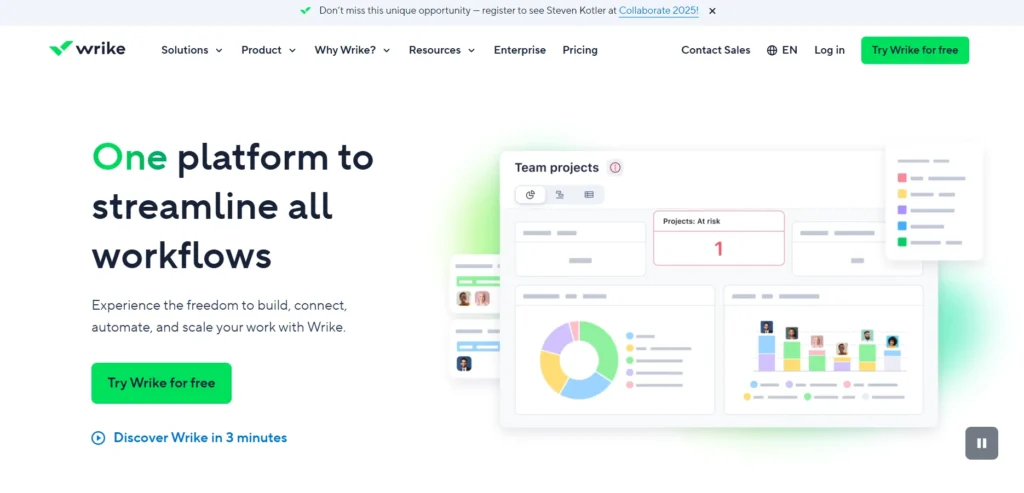
Wrike is designed for larger teams that need detailed planning and reporting. It handles complex projects well, especially where approvals, dependencies, and timelines matter.
Key features
- Advanced project planning
- Gantt charts and timelines
- Custom request forms
- Reporting and analytics
- Enterprise-grade security
Best for larger organizations and agencies.
9. Basecamp
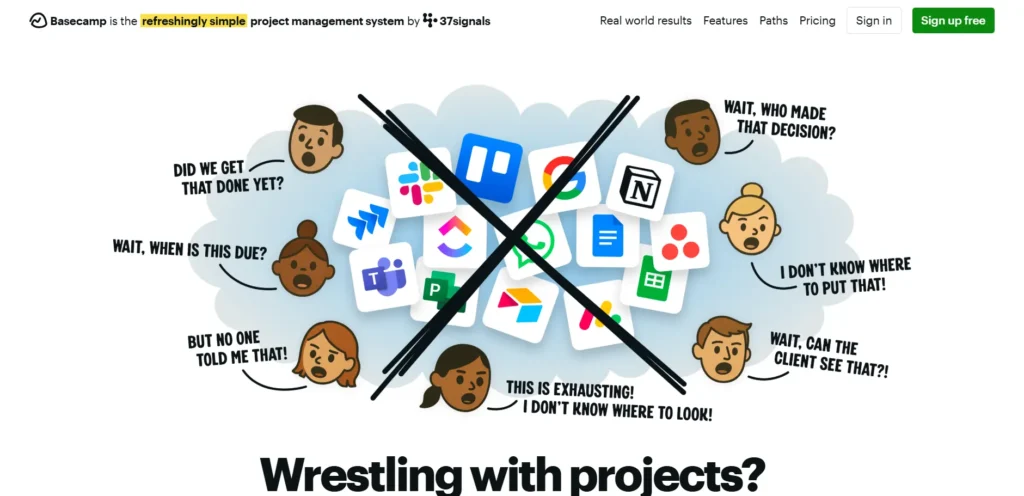
Basecamp takes a calm approach to project management. It focuses on communication, clarity, and reducing noise. There are fewer features, but they are thoughtfully designed.
Key features
- To-do lists and schedules
- Message boards instead of endless chats
- File sharing
- Automatic check-ins
- Simple structure
Best for teams that want less chaos and fewer meetings.
10. Smartsheet
Smartsheet feels familiar to anyone who has lived in spreadsheets. It blends spreadsheet logic with project management features, making it popular with operations-heavy teams.
Key features
- Spreadsheet-style project tracking
- Automation and alerts
- Gantt charts and reports
- Resource management
- Strong data handling
Best for teams that think in rows and columns.
How to Choose the Right Tool for You?
Here is the honest truth.
There is no best project management tool. There is only the best fit.
Ask yourself:
- Do we need simplicity or flexibility?
- Are we managing people, tasks, or systems?
- Do we want one tool or many connected tools?
- Is visibility or control more important?
- How much time can we spend onboarding?
If your pain is scattered tools and constant context switching, an all-in-one approach like WhitePanther makes sense. If your pain is complex workflows, tools like Asana, Jira, or Wrike shine.
Final Thoughts
Project management tools are not about control. They are about calm. When work is visible, communication improves. When communication improves, stress drops. When stress drops, teams actually do better work. The right tool should feel like it is helping you think clearly, not adding another system to manage.
Take your time. Test a few. Pay attention to how your team feels after using them for a week. That feeling matters more than any feature list.
FAQs
1. What is the main purpose of a project management tool?
The main purpose is to give teams a clear, shared view of what work is happening, who owns it, and how it is progressing, without relying on meetings or constant messages.
2. Are project management tools only for large teams?
No. Small teams and even solo professionals use them to stay organized. The difference is in how complex the setup needs to be, not whether the tool is useful.
3. Can project management tools replace emails and chats?
They do not fully replace them, but they reduce unnecessary back-and-forth by keeping discussions tied directly to tasks and projects.
4. How do I know if my team actually needs one?
If work updates are scattered across emails, chats, and calls, or if deadlines are often unclear, a project management tool will immediately help.
5. What should I prioritize when choosing a tool?
Prioritize ease of use, visibility, and how well it fits your daily workflow. A tool that people enjoy using will always outperform a powerful one that feels heavy.

